Partner Sign-Up Links, Codes & UID Registration
Follow actual TradePayback screens to select a partner, verify the dedicated sign-up link and code, and register your UID through Telegram or live chat.
Current referral code: 167102
1. Choose the partner and open its detail page
Check the account, eligible products and settlement terms before opening an exchange or broker account.
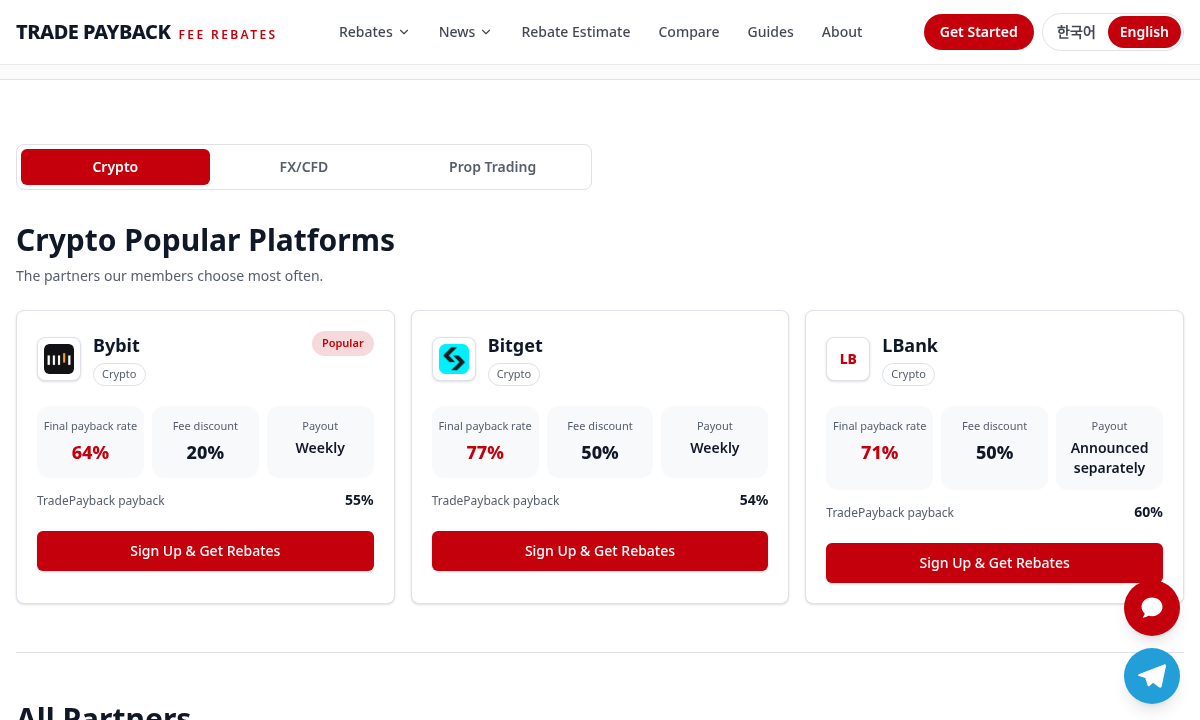
Actual public TradePayback interface, captured for this walkthrough. Private broker account and customer records are not shown. 2. Use the dedicated sign-up link and verify the code
Open the current link below. If a separate referral code is displayed, verify it in the official registration flow. Do not create another account to bypass existing-account restrictions.
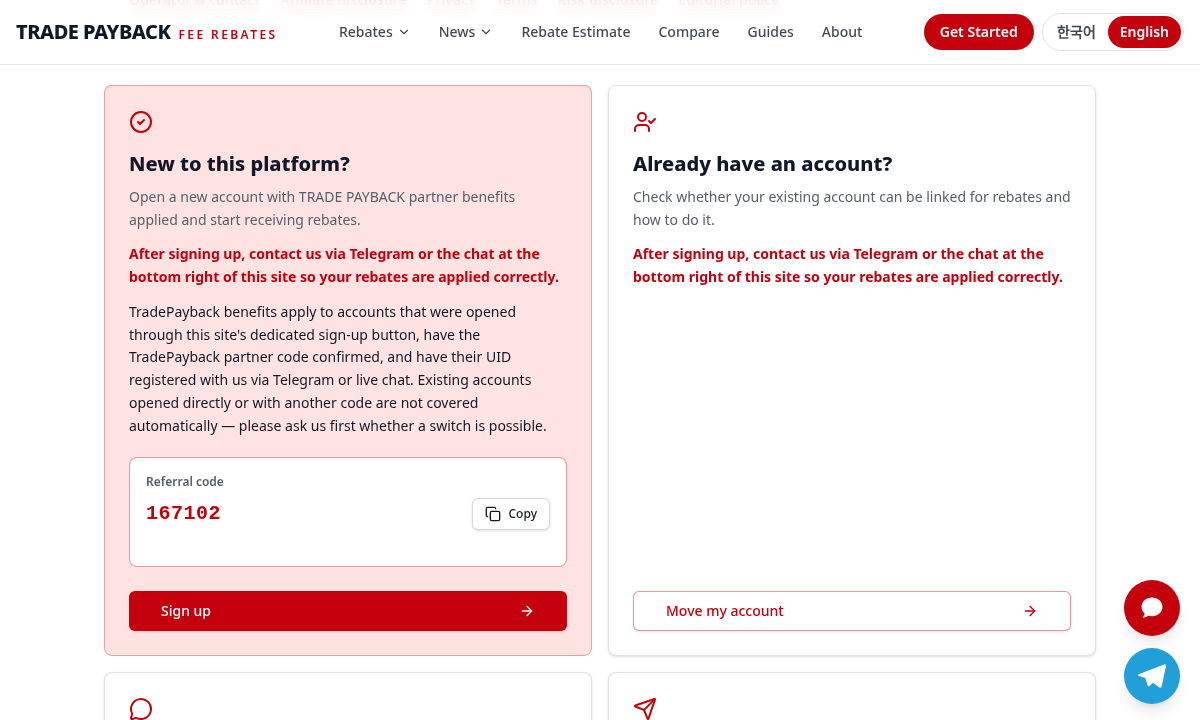
Actual public TradePayback interface, captured for this walkthrough. Private broker account and customer records are not shown. 3. Register your UID via Telegram or live chat
After registration, provide the exchange or broker name and your UID or requested trading-account number. Our support channels do not require passwords or authentication codes.
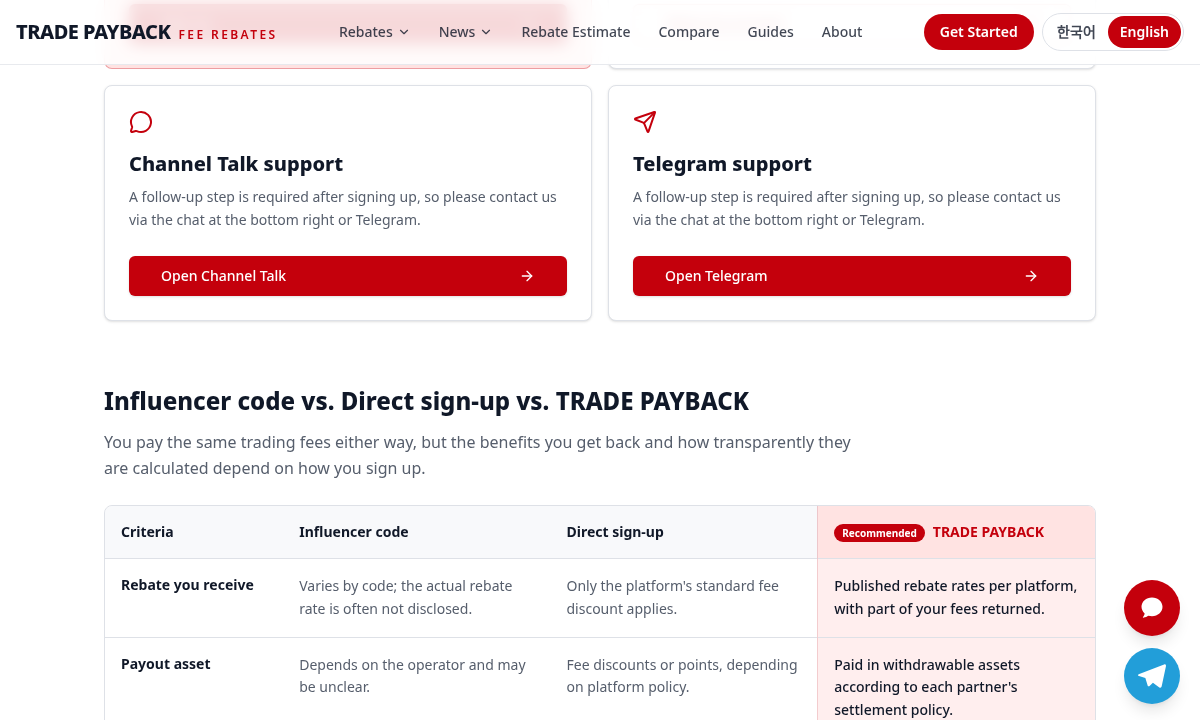
Actual public TradePayback interface, captured for this walkthrough. Private broker account and customer records are not shown. 4. Confirm attribution and the effective settlement date
Retain the confirmation of the covered account and products. Check the payment destination, schedule, minimum and any manual-settlement arrangement. Broker promotions may require a separate opt-in.
A direct sign-up or another partner code does not automatically qualify for TradePayback benefits. Ask support about an existing account before changing it.
Content and owner-confirmed partner terms reviewed 23 October 2026. Account eligibility and official programme conditions may change.